logo-1
Apps
  • CRM
  • Sales
  • Procurement
  • Inventory
  • HRMS
  • Manufacturing
  • Service
  • Project
  • Accounting
  • Facility
  • HMS

CRM

crm-pipeline
CRM Pipeline

Keep track of everything within your CRM pipeline and handle it like a pro.

sales-pipeline
Sales Pipeline

Hassle-free conversion of Leads into deals.

Lead
Lead

All in one solution to manage lead & close the deals faster.

activity-event-management
Activity Event Management

Management & filtering of activity records with greater compliance.

sales-team-managment
Sales Team Management

Sales teams are connected, visible, engaged and optimized.

customer-management
Customer Management

Get smarter and boost your business with customer-centric CRM.

Industries
  • Manufacturing
  • Facility Management
  • Field Service
  • Fleet Management
  • Building & Construction
  • Trading
  • Retail Sales & Wholesale Distribution
  • FMCG
  • Logistics
  • Machine Maintenance Management
  • Features
  • About us
  • Blogs
  • FAQ's
  • Career
Case StudyContact
Get A Demo+91 – 9841481435
Menu
AppsIndustriesManufacturingFacility ManagementField ServiceFleet ManagementBuilding & ConstructionTradingRetail Sales & Wholesale DistributionFMCGLogisticsMachine Maintenance ManagementResourcesBlogTestimonialsFAQCase StudySitemapAbout UsFeaturesCareerCase StudyContact

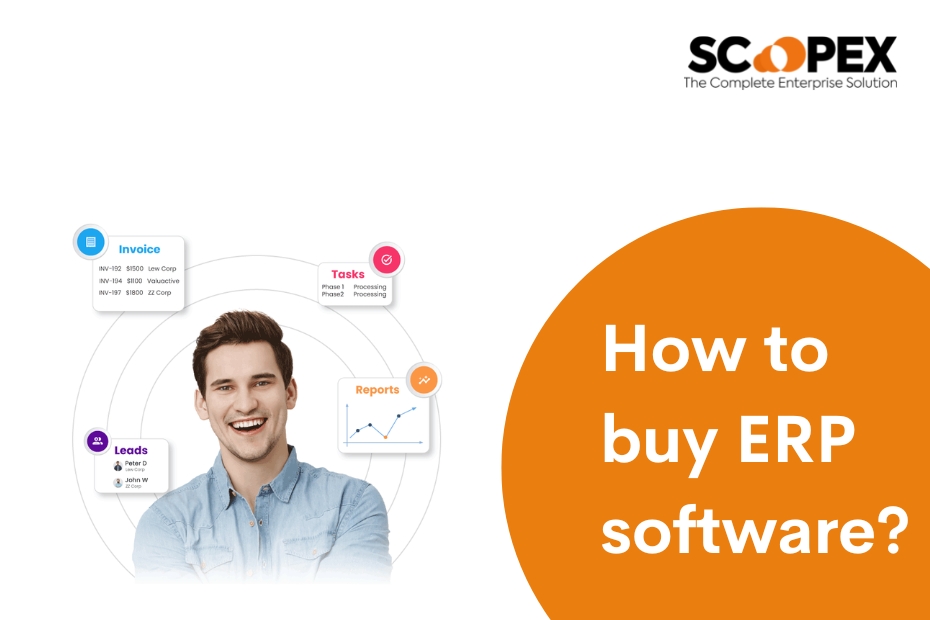
How to buy ERP software?

blog / By parthi

1. Define your business needs:

Before buying ERP software, you need to identify the specific requirements of your business. It will help you determine the features and functionalities that you need in your ERP software.

2. Research available options:

Many ERP software options are available in the market. Research and compare different software options to find the best that fits your business needs.

3. Evaluate the software:

Once you have narrowed down your options, evaluate the software by taking a demo or a trial version. It will help you understand how the software works and how it can benefit your business.

4. Compare costs:

Compare the price of different ERP software options and ensure you choose the software that fits within your budget.

5. Choose a vendor:

Choose a vendor with a good reputation and offers good customer support. Make sure they have experience in your industry and can provide references from other businesses in your firm.

6. Sign a contract:

Once you have chosen the software and vendor, sign a contract and make sure that it includes a detailed plan for implementation, training, and ongoing support.

7. Implement the software:

Work with the vendor on software implementation and train your staff on how to use it. Make sure to test the software thoroughly before going live.

8. Monitor and maintain:

Regularly monitor and maintain the performance of the software to ensure that it continues to meet your business needs.

Start a Free Demo!

Scopex Apps provides a FREE Demo to all its client to play around with the product & get to know if it suits their business. Scopex apps also offer a 1 to 1 free demo session to explain how you can use Scopex apps for your business.
Get A Demo
Post navigation
← Previous Post
Next Post →

Related Posts

ERP Solutions

Cloud ERP solutions for your business.

blog / By parthi
Leave Management

Mastering leave management through automation.

blog / By parthi
Automate Leave Management

Why should you Automate leave management at your company?

blog / By parthi

Mobile Apps

  • CRM
  • Sales
  • Procurement
  • Inventory
  • HR Payroll
  • Manufacturing
  • Service
  • Project
  • Accounting
  • HMS
Scopex - The Complete Enterprise Solution

Our Solutions

  • Fleet Management
  • Lead Management
  • Maintenance Management
  • Mobile Procurement Applications
  • Opportunities Management
  • Order Management
  • Purchase Management
  • Vendor Management
  • Ware House Management
  • Warranty Management
  • Work Time Management

Resources

  • Blog
  • Testimonials
  • FAQ
  • Case Study
  • Sitemap
  • About Us
  • Features
  • Career
  • Contact Us

Industries

  • Manufacturing
  • Fleet Management
  • Field Service
  • FMCG
  • Construction
  • Facility
  • Trading
  • Logistics
  • Hospitals
+91 – 9841481435info@scopex.in

Copyright © 2026 Scopex | All Rights Reserved.

Developed By : Xmedia solutions

Scopex